
Release notes – CampTrac Cloud
- Home
- Release notes
Release Notes
Release notes for the cloud-based access control system CampTrac Cloud
Here you can read about new functionality and other updates in the cloud-based access control system CampTrac Cloud.
We are happy to show you all the features
Want to know more about the system’s features? Contact us today for a demonstration!
Release notes CampTrac Cloud 2.7
CampTrac 2.7 includes improvements in mobile access, account and card administration, reporting, language support and operational reliability. This version focuses on making the system clearer for users, reducing manual errors and improving support for international environments.
Improved handling of mobile access
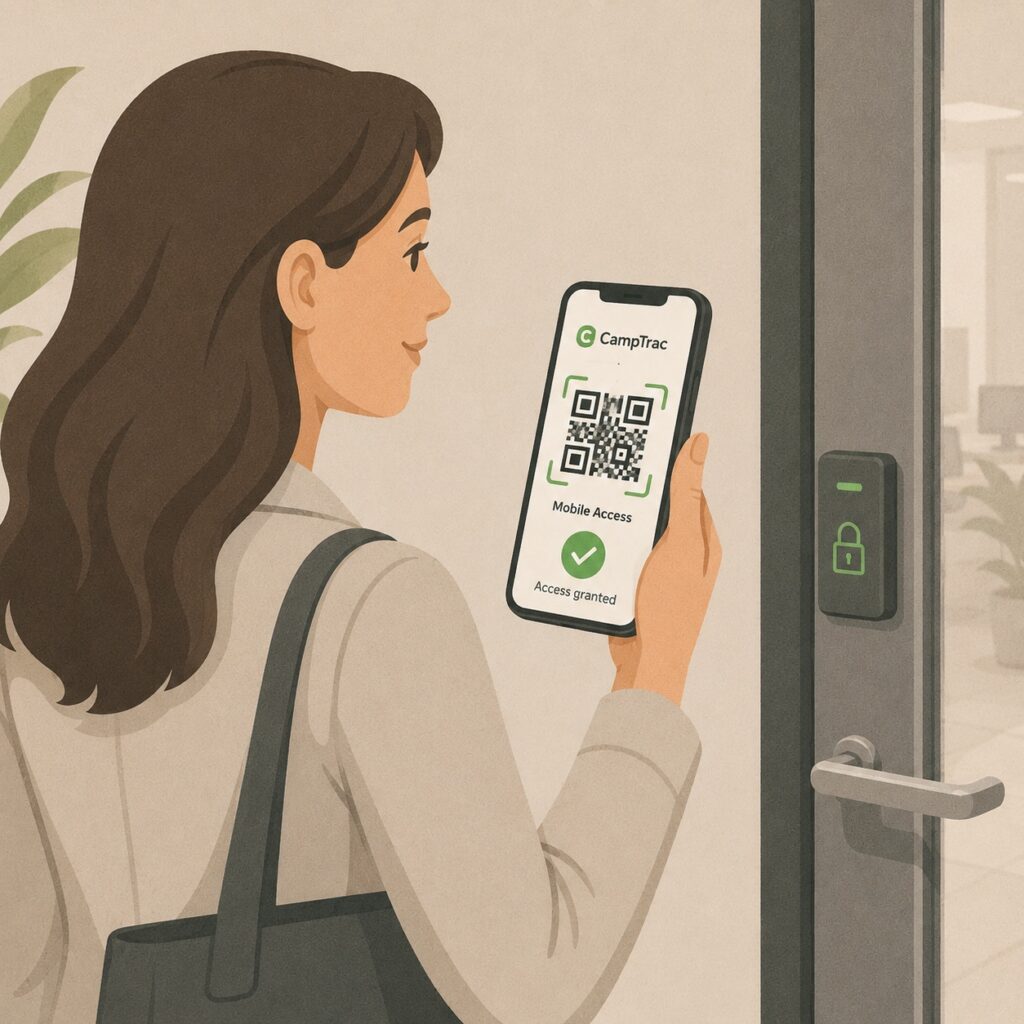
Improved handling of mobile access
CampTrac has been improved to make it easier to create and manage mobile access via QR codes. The system can now create a mobile QR code/access code without the administrator needing to use a physical card number as before.
This reduces the risk of card numbers being reused incorrectly and makes the administration of QR code-based door opening smoother.
Improved time zone handling

Improved time zone handling
CampTrac 2.7 includes improved support for time zones. This is particularly important for installations where the system is used in several countries, or where the server, users and site may be in different time zones.
Time-dependent functions and validity periods are now handled more consistently based on the correct local time.
Improved handling of login sessions

Improved handling of login sessions
The system has been improved for situations where a user’s session is interrupted, for example by network problems, a service restart or another temporary disruption.
If the user is no longer correctly logged in, the system now handles this more clearly and sends the user to the login page, instead of showing unclear errors or letting the user continue in an inactive state.
Improved card and account management
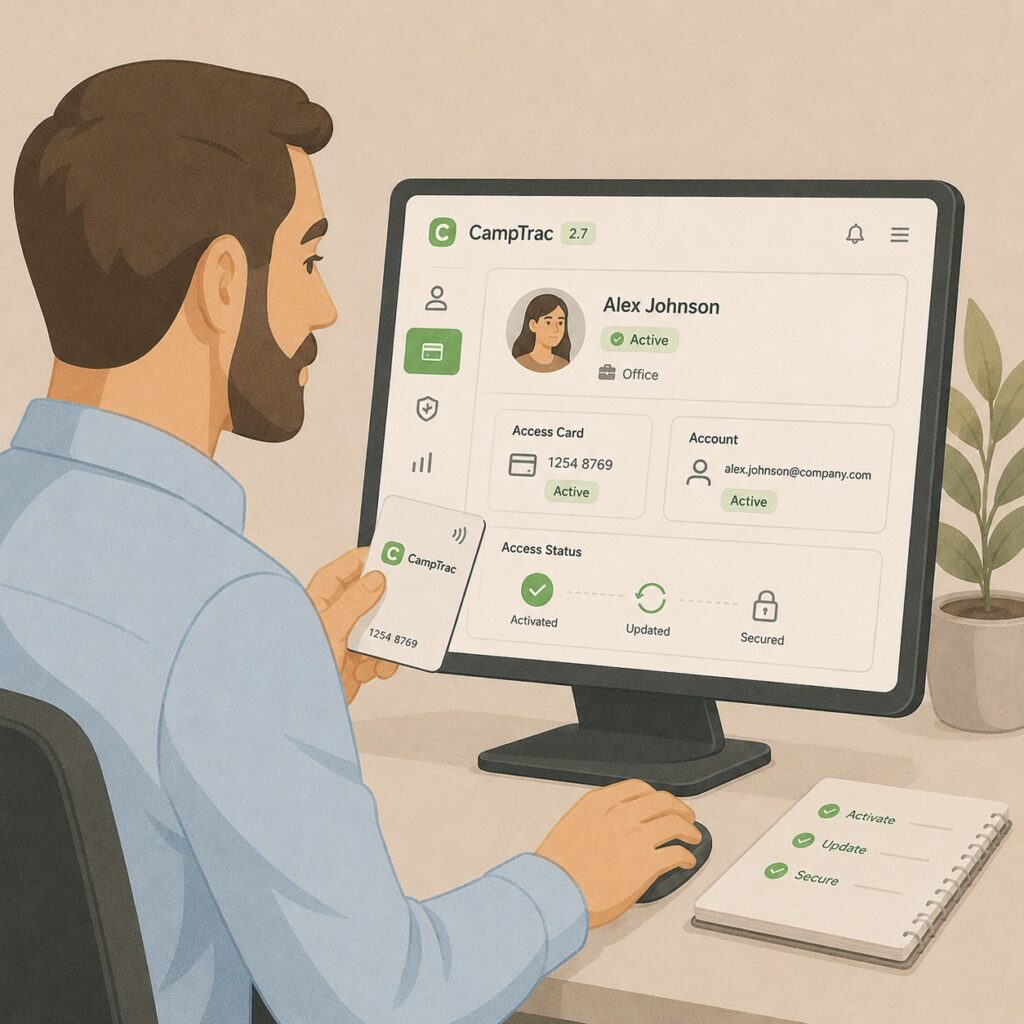
Improved card and account management
Several improvements have been made to the handling of cards, PIN codes and accounts. Among other things, the logic has been adjusted to reduce the risk of cards or access rights being given the wrong status during administration.
The system also better handles certain scenarios where history, transactions or status information could previously be displayed incorrectly or not updated immediately.
Improved display of card transactions

Improved display of card transactions
Dialogues and views for card transactions have been improved so that information is updated more accurately when the user opens and closes transaction windows several times during the same workflow.
This gives administrators more reliable information for troubleshooting and customer service.
Improved account balance handling
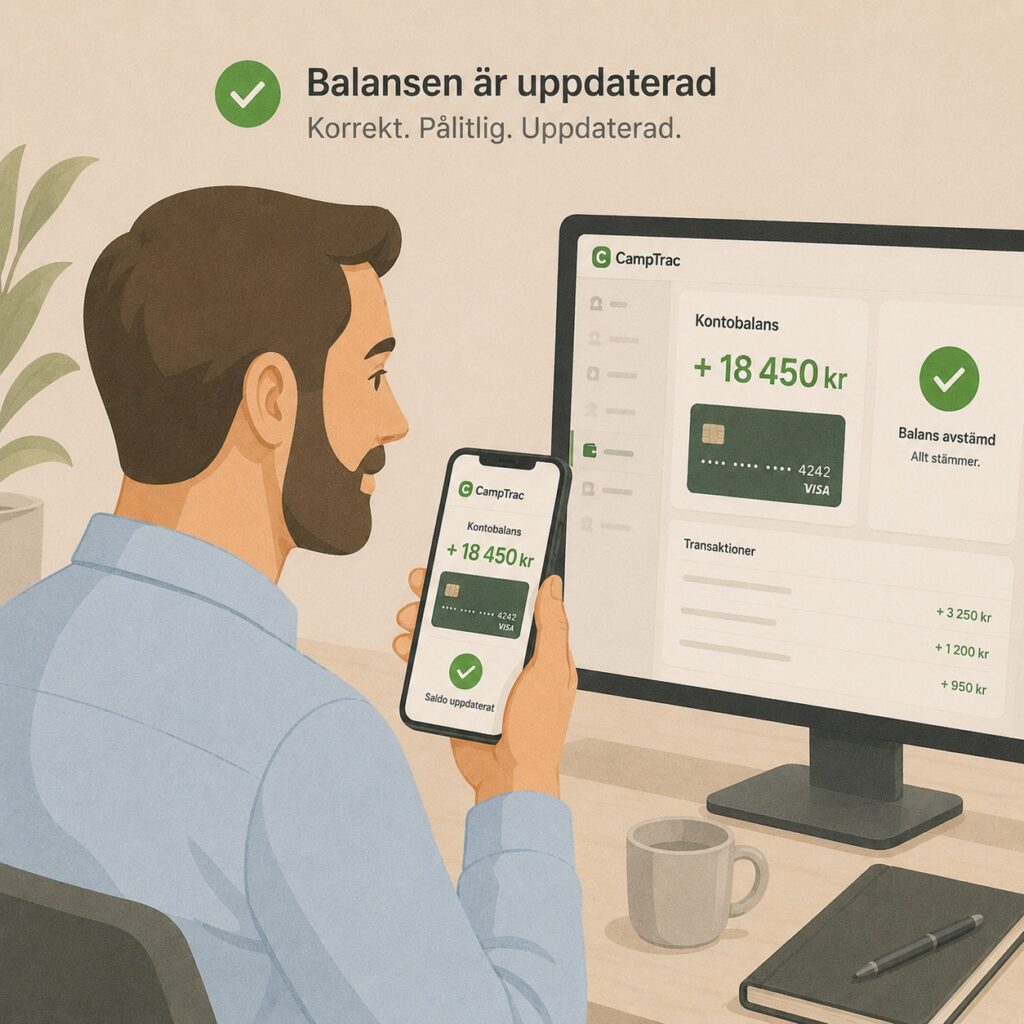
Improved account balance handling
A correction has been made to the handling of account balances in certain workflows, for example when credit or a balance is updated and the account is then closed.
The aim is for balances and account status to be displayed more consistently after changes have been made.
Improved report logic
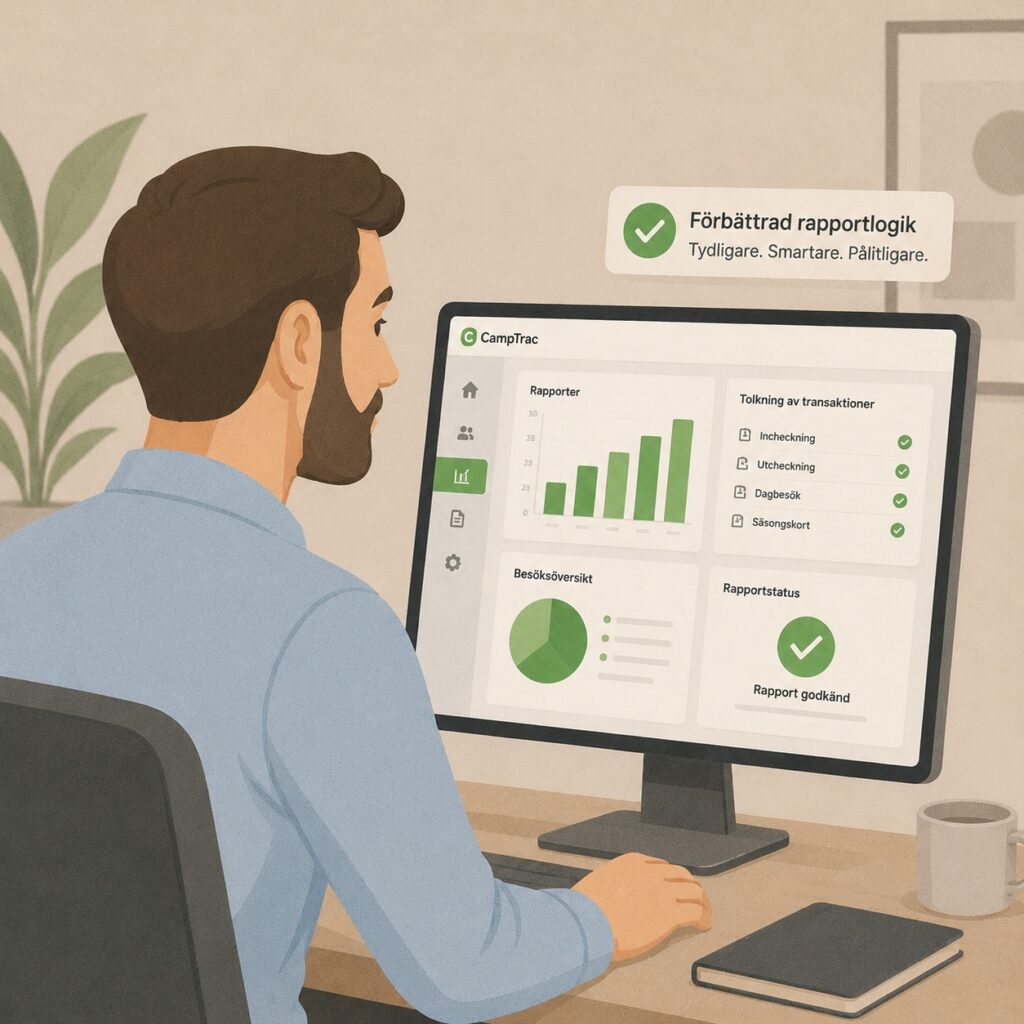
Improved report logic
Reports have been updated with improved logic for how transaction status and approved payments are displayed. This makes the reports clearer and reduces the risk of misinterpreting payment and transaction status.
Language and translation improvements
Language and translation improvements
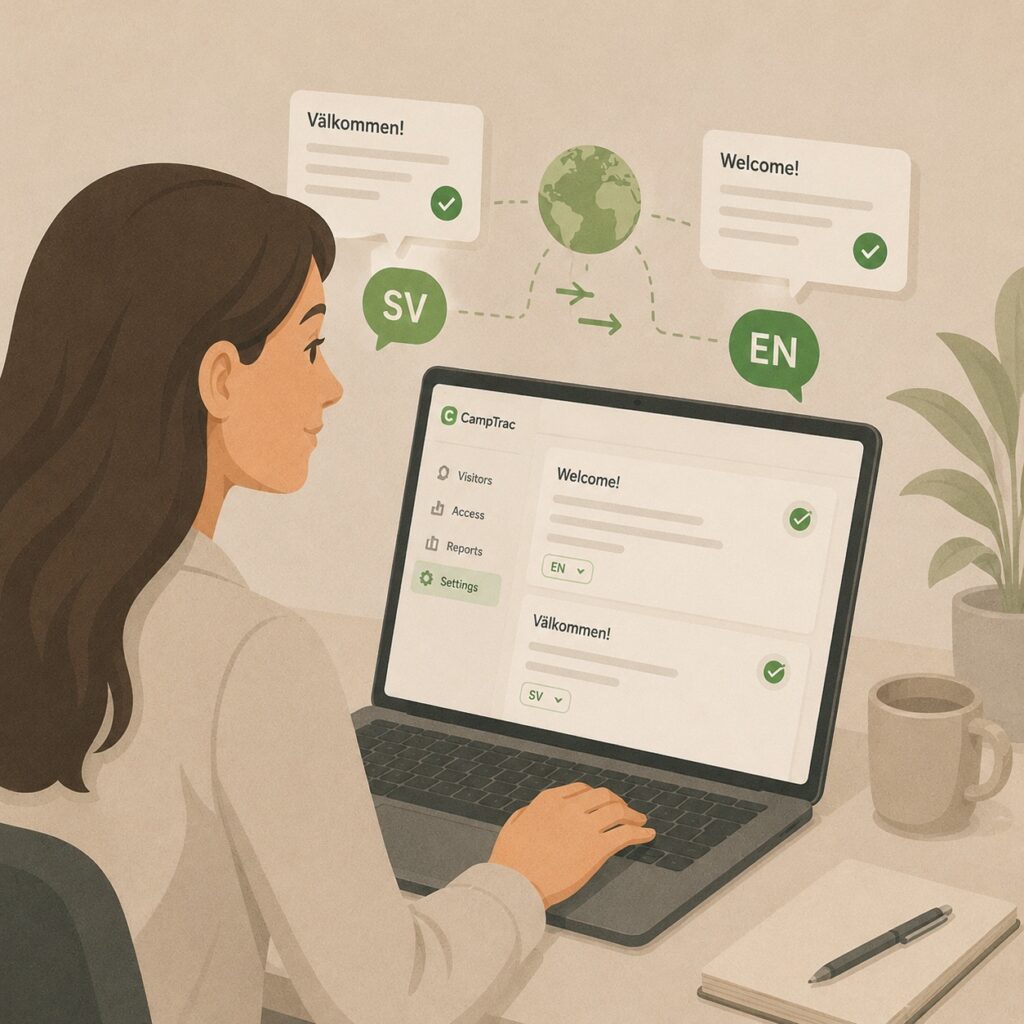
Several texts in the interface have been updated and translated to provide a more consistent user experience. Among other things, some buttons and field labels have been adjusted where English text could previously appear in other language versions.
Improvements for offline and online card readers
Improvements for offline and online card readers
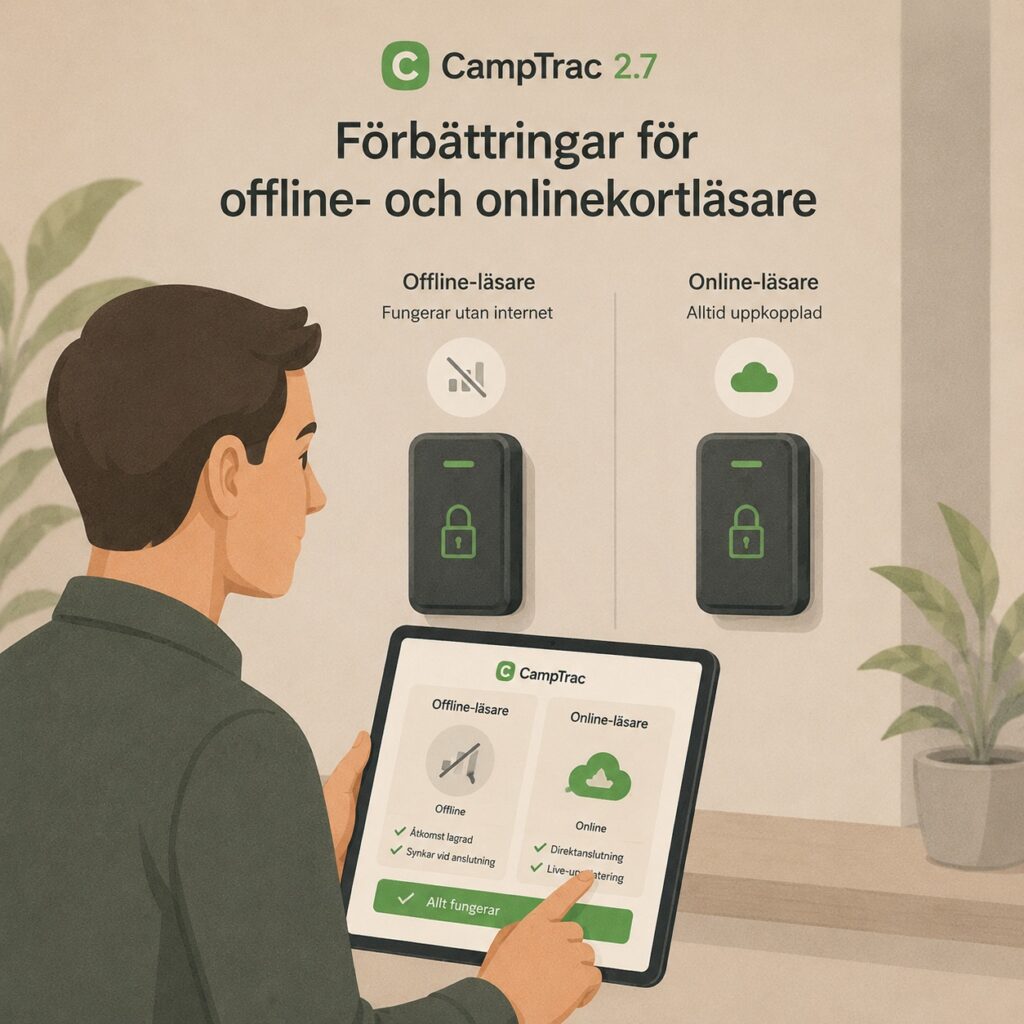
Views and fields related to card readers have been adjusted to better reflect whether a function is relevant for the type of card reader in question. Fields that are not relevant in certain modes have been removed or simplified.
This makes administration clearer and reduces the risk of misunderstandings.
Improvements for the Loading Kiosk
Improvements for the Loading Kiosk
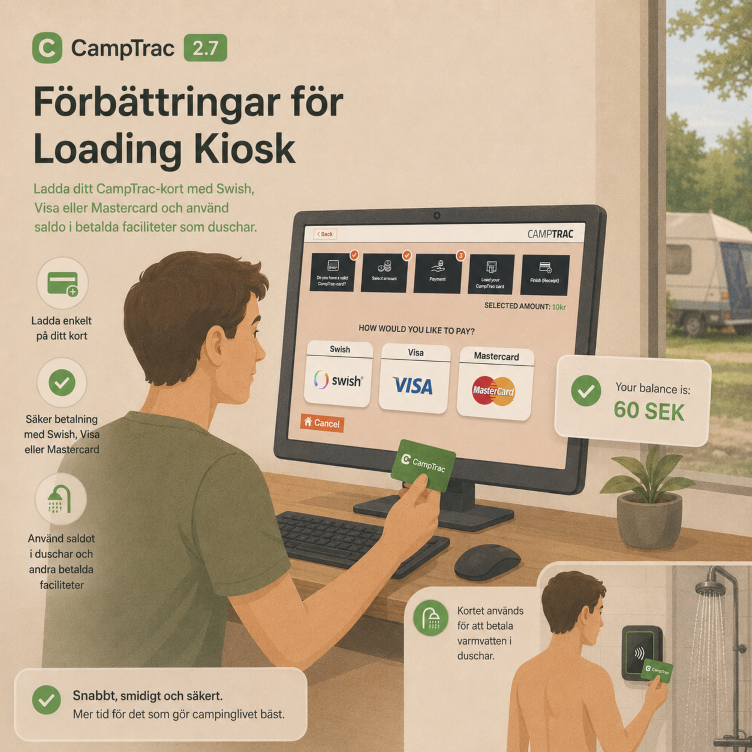
CampTrac 2.7 includes a new configuration for the Loading Kiosk that lets you choose whether a standard keyboard or a virtual keyboard should be used.
This provides greater flexibility for different types of terminals, touchscreens and kiosk installations.
This update also includes updated support for new APIs from Swish and VISA/Mastercard.
Adjustments to login-related texts and other corrections
Texts related to login and password management have been updated to make them clearer and more user-friendly.
CampTrac 2.7 also includes a number of corrections and stability improvements, including in:
- handling of app-based door opening
- handling of schedules and access conditions
- validation of PIN codes and access codes
- updating of account information in the user interface
- reporting of transactions
- language support and translations
- display and updating of card-related information
Release notes CampTrac Cloud 2.5
The PartnerSec app

The PartnerSec app
One app for all doors. With the app, a user (a person who needs to open doors at one or more locations) can access doors and barriers with a simple tap of a button. The user can also use a QR code that works as an access card.
The app is a “multi-site” app, which means it allows users to have access to several locations (individual CampTrac customers) in one and the same app. This way, the user can have one app for all locations where CampTrac is used.
This means that if, for example, the user’s workplace uses CampTrac as its access control system, the app will show an account containing all virtual keys from the workplace; if the user’s gym also uses CampTrac, there will be another account with keys for the gym in the app. If the user then books a pitch at a campsite, that account will also appear in the app.
The app can hold an unlimited number of accounts and keys from different locations that use CampTrac, and each account follows the account issuer’s unique rules and validity period (workplace, campsite, gym, ski lodge, care home and more).
The app opens all doors or barriers that use CampTrac online card readers.
The app is free to download for all end users.
SMS keys

SMS-key™ (for those who don't want to download an app)
The SMS-key™ is one or more virtual keys that you can send to a user’s smartphone by SMS. The SMS-key™ appears as links on the user’s phone, which they tap to open a door.
The purpose of the SMS-key™ is to give a user access to one or more doors for a certain period without having to issue smart cards or physical keys.
And of course you can send them to anyone, anywhere, as long as they have a smartphone (any smartphone). No app required!
The CampTrac administrator can easily issue an SMS-key™ to a user at any time. This feature saves time and resources and reduces the stress of having to be at a specific place at a specific time to hand out an access card or keys.
The SMS key opens all doors or barriers that use CampTrac online card readers.
QR keys
QR-key™ (for those who want to send a QR code that can be used on a smartphone or printed on paper)
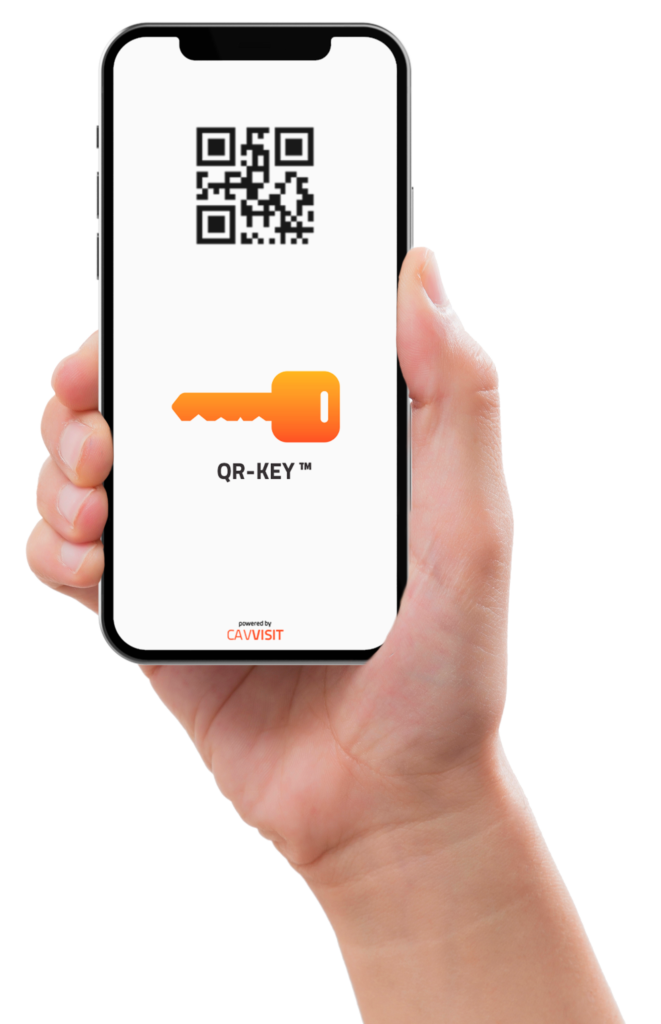
The QR-key™ is a special QR code that works as a key to open doors or barriers. The QR-key™ can be sent to a user’s smartphone by SMS or email.
The QR-key™ is very practical when you want to send a temporary key to someone.
The QR-key™ is ideal for sending to visitors, guests, couriers and lorry drivers.
The QR-key™ requires CampTrac QR-key™ readers. CampTrac QR-key™ readers read both QR-keys™ and Mifare cards.
PIN codes to your mobile

PIN codes (for those who like codes)
It is now super easy to send a unique PIN code that your users, guests or visitors can use to open doors and security gates. In CampTrac, you can easily issue a PIN code and send it by SMS or email.
The CampTrac administrator decides how long the PIN code is valid.
In the CampTrac real-time monitor, you can see when the user uses the PIN code.
PIN codes work on all doors and security barriers that use CampTrac online card readers with a keypad.
Updated menu structure

Updated menu structure
As the CampTrac system has gained more features, the menu structure had become harder to navigate, and we felt it was time to simplify it. So we made sure the most-used functions are shown directly and that all administrative functions are grouped in sub-menus.
Choose a workstation at login

Workstation selection
When you log in to CampTrac, you must assign a workstation (workstation number) to your session. The purpose of the workstation number is that CTOWC (the small Windows software that communicates with the card programmer) needs to communicate with your web browser to “capture” the commands you want to carry out, such as programming an access card or adding money to a card.
This new feature asks you at login which workstation you want to use, if you do not already have one assigned.
New reports

New reports
We have added 6 new reports that will significantly improve your ability to extract data from the system the way you want. All reports can be exported to Microsoft Excel so that you can continue working with them there.
Real-time alarm monitor

Alarm monitor
We have added a real-time alarm monitor that shows you all alarms from the door setups in real time.
SMS and email for alarms

SMS and email for alarms
We know that some of our customers do not look at the alarm monitor very often (even though it is really good), so we added text messages (SMS) and email for all types of alarm. When an alarm is triggered, you receive an SMS (or email), so you do not need to watch out for alarms but are informed if something suspicious happens. You can of course customise the messages sent by SMS and email when an alarm is triggered.
Advanced scheduling for card and code

Advanced scheduling for card and code
The advanced schedules allow the CampTrac administrator to create schedules for when the card reader accepts cards only, or when it requires cardholders to present their card and then enter their PIN code to open the door. The scheduling feature includes daily schedules (hours/minutes), weekly schedules (Monday–Sunday), holiday schedules and annual schedules.
Benefit: this is an advanced feature that enables the CampTrac administrator to increase security in buildings where access with a card is fine during the day, while at night, weekends and holidays all cardholders must enter their PIN code after presenting their card.
It also ensures that a lost card cannot be used outside office hours without a PIN code. The feature follows the concept of “something you have (card) and something you know (PIN code)”.
Advanced scheduling for opening and closing doors
Advanced scheduling for opening and closing doors
The advanced schedules allow the CampTrac administrator to create schedules for when the door should be open (the electric lock is released) and when it should be locked. It is a very practical feature for keeping doors open at certain times of day and days of the week. The schedules automatically take public holidays into account, so that, for example, the door is not open on Christmas Eve.
The scheduling feature includes daily schedules (hours/minutes), weekly schedules (Monday–Sunday), holiday schedules, public holidays and annual schedules.
Entry with an ALPR camera

Automatic Licence Plate Recognition camera opens the barrier.
CampTrac has a fully integrated LPR camera designed for both outdoor and indoor use.
A number plate camera, also known as an ALPR (Automatic Licence Plate Recognition) or LPR (Licence Plate Recognition) camera, is an advanced technology used in access control systems to streamline and secure vehicle access. This smart camera is equipped with advanced image recognition algorithms that make it possible to read and identify vehicle number plates in real time.
The function of an ALPR camera is to capture images of the number plates of passing vehicles quickly and accurately. When a car or lorry approaches a barrier or garage door, the camera scans the vehicle’s number plate and compares the information with the database linked to the access control system.
The administrator only needs to enter the car’s registration number in CampTrac, and the barrier will open when the vehicle reaches the camera.
Further update in 2.5
- Several performance improvements have been made.
- Several security updates have been made.
- Several bug fixes have been made.
- Encryption improvements.
- CTOWC (CampTrac Windows Client). CTOWC has now been updated to version 2.6 and includes the following improvements.
- Ignore all smart card readers other than the CTC200. Previously, the CTOWC client connected itself to every smart card reader on the computer where it was installed (including Windows Hello). This created several unnecessary error messages and could also cause problems when issuing cards.
- The CTOWC icon is always visible in the system tray. The small “C” icon in the Windows taskbar was previously shown only when the CTOWC window was minimised. Now it is always visible while the client is running.
- CTOWC runs without logging by default. If logging is required, it can now be started at any time. Logging is mainly used for support purposes.
- Online card reader status update. You can now manually test the status of an online card reader if you suspect its status is incorrect.
- Hide the “Always valid” checkbox for users. The system administrator can now hide the “Always valid” checkbox for site administrators. The purpose is to prevent a user from accidentally issuing a card that is valid for all time.
- Default app card. As part of the PartnerSec app implementation, the site administrator can now issue a card that will be the “default app card” for a site in the app.
- Updated RESTful API. In the updated API, developers can now create keys (RFID cards, PIN codes, SMS keys, QR keys) with a single command.
- Updated user groups. User groups can now include buildings, schedules and relay schedules.
- Several security updates. We have implemented protection for concurrent users, protection against too many incorrect password attempts, session timeouts (users are locked out after a certain period of inactivity) and many other new security features.
Access control system CampTrac version 2.4

- Access schedules for cardholders. An access schedule controls the hours of the day during which a cardholder (a person with an RFID card, PIN code or virtual key) can open the door with their card. A typical use is to prevent a certain category of cardholders from accessing certain doors/gates at night and on public holidays.
- A building usually has card readers that control safety doors such as fire doors and other security doors. In CampTrac, an administrator can assign a card reader to a “Building”, and if the fire alarm goes off in that building, the system automatically opens all doors linked to that “Building”. The concept of buildings is a way of grouping critical card readers and carrying out certain actions on the card readers in that “Building”.
- The brand-new loading kiosk lets cardholders top up their CampTrac cards with Swish or VISA/Mastercard. The kiosk also lets users check how much money they have on their CampTrac card.
- Updated RESTful API. In the updated API, developers can now create keys (RFID cards, PIN codes, SMS keys, QR keys) with a single command.